Dual Display Mode and Swap Screens Admin Controls
This feature is for RX-PAD paired with RXV200 only, and for a Pro room account, as described below. The devices must run the following Teams app version or later - 1449/1.0.96.2024110701 (November 2024).
Admins can configure Teams Rooms on Android devices to run in dual display mode and to switch the screens in these rooms when set up invertedly as front-of-room display. This can be done without physically disconnecting and reconnecting the HDMI OUT cables from the RXV200.
|
➢
|
To disable dual display mode or switch screens: |
|
2.
|
Under ‘Device Admin Settings’, scroll down and tap Teams Admin Settings. |
|
3.
|
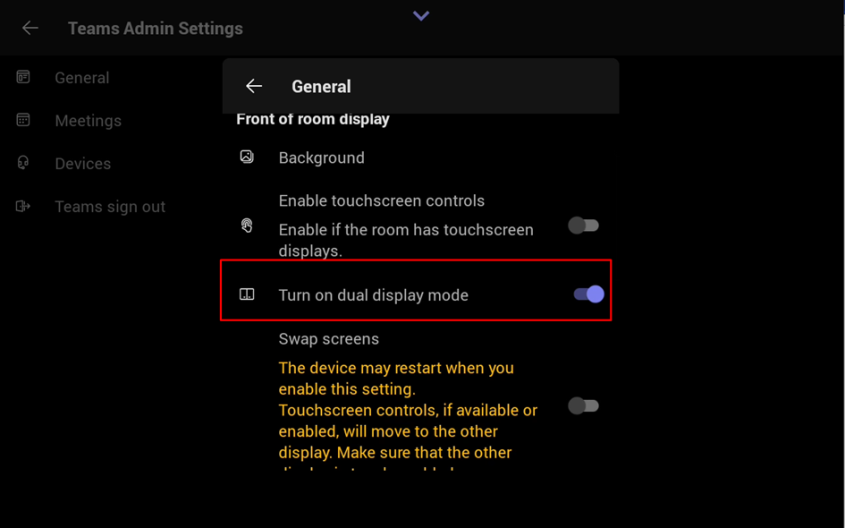
Navigate to Teams Admin Settings > General, then turn on dual display mode. |